
Basic Machine Settings:
After signing up for an Azure account, you will need to create your virtual computer.
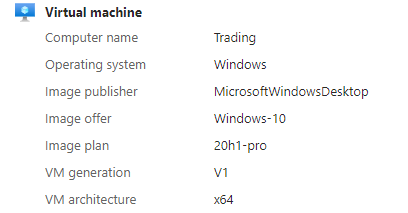
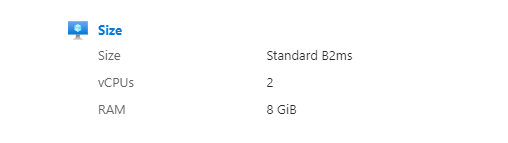
These are the basic settings and selections I have in place for my virtual machine.
Networking should be set up to allow RDP access from any IP address you want to access your VM from:

Turn your machine on:
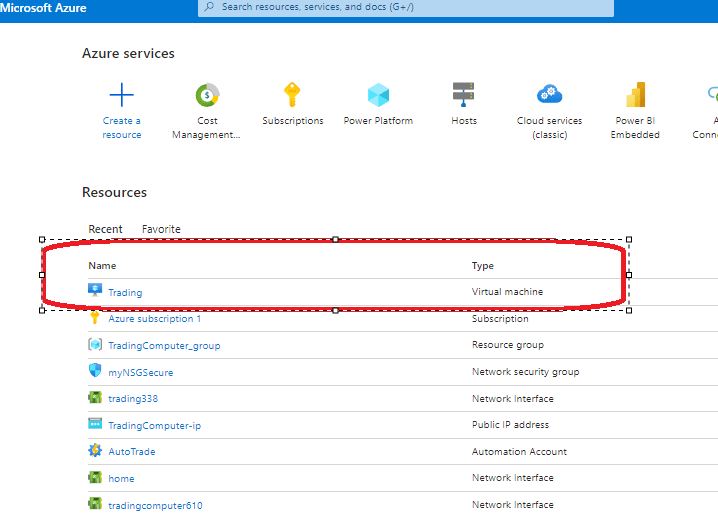
Open your machine settings (my machine is named “Trading”).
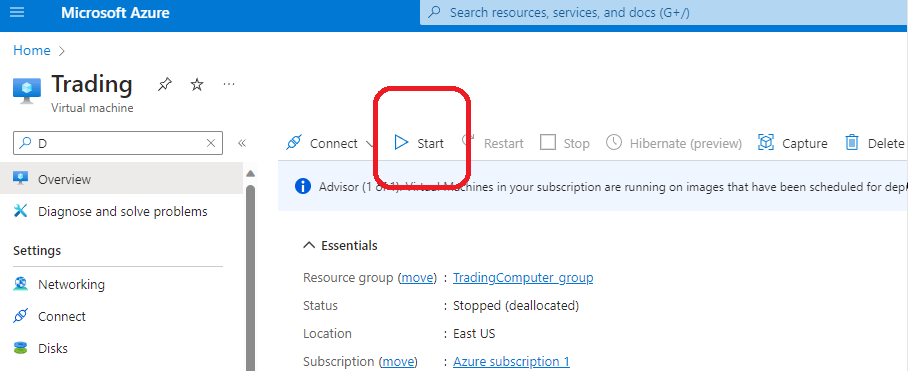
Use the start button at the top of the screen to turn it on.
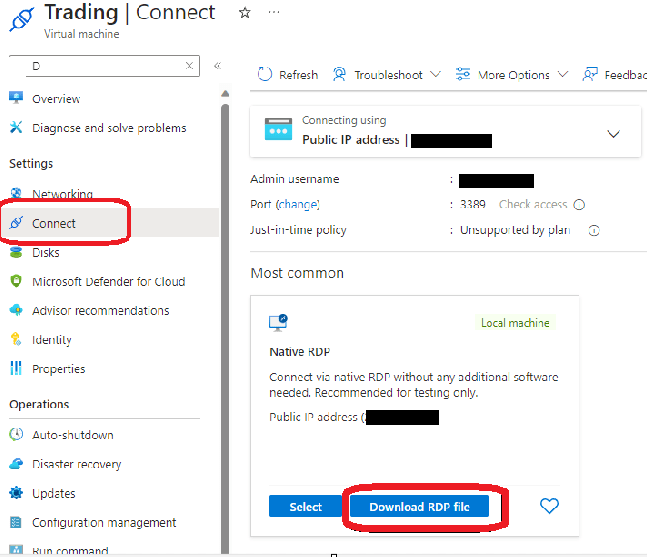
Connect to the machine by downloading the RDP file to your local desktop.
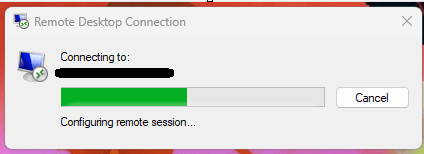
Select the icon on your desktop and connect:

 AutoProsper
Leave a comment